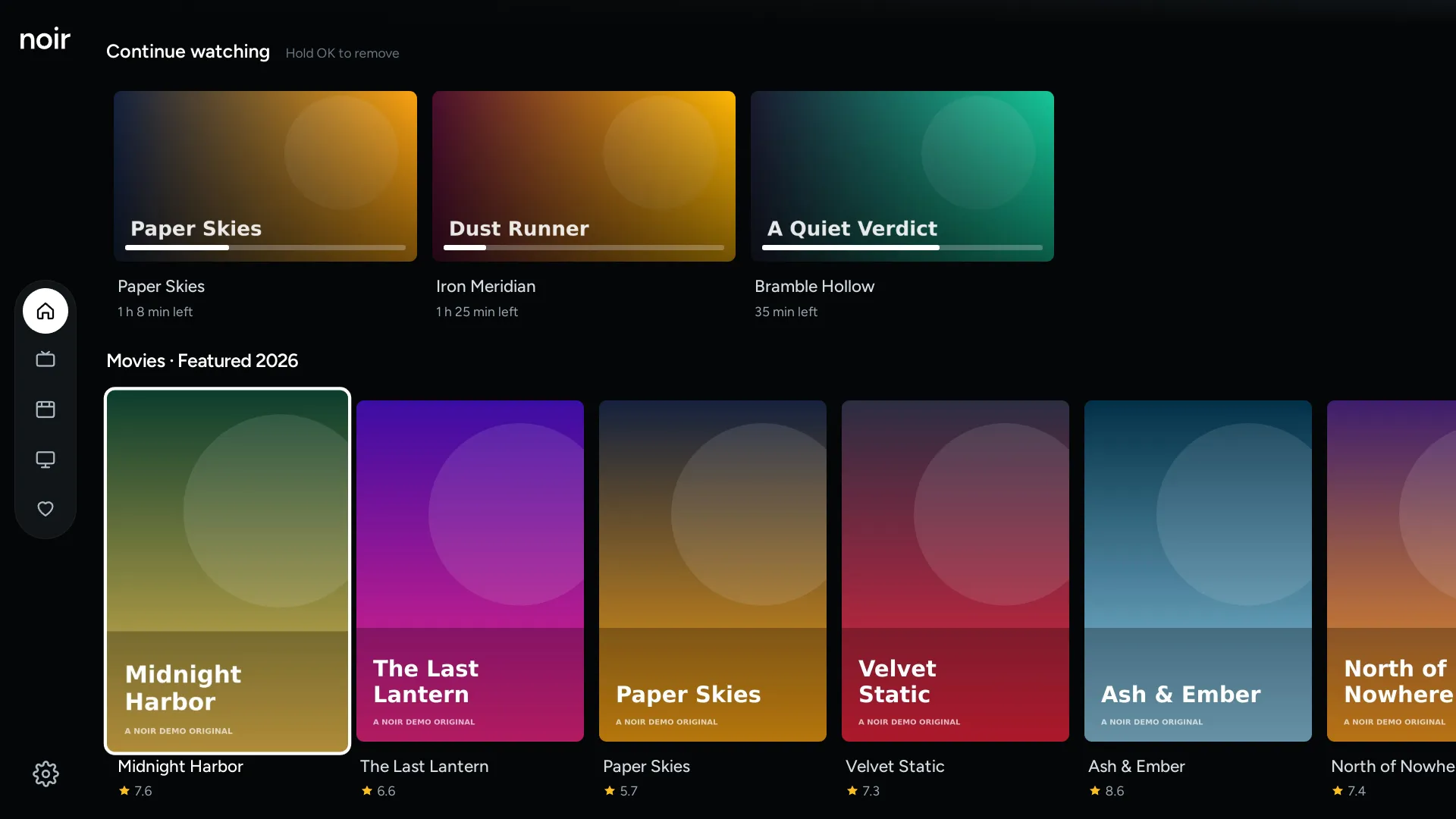
Never lose your place.
Progress is saved while you watch, with minutes left on every card.
For LG smart TVs
A calm, fast way to watch your TV subscription. Sign in with the login you already have, and press play.
Live TV, movies and shows, easy to browse and search. Calm, dark and simple to use.
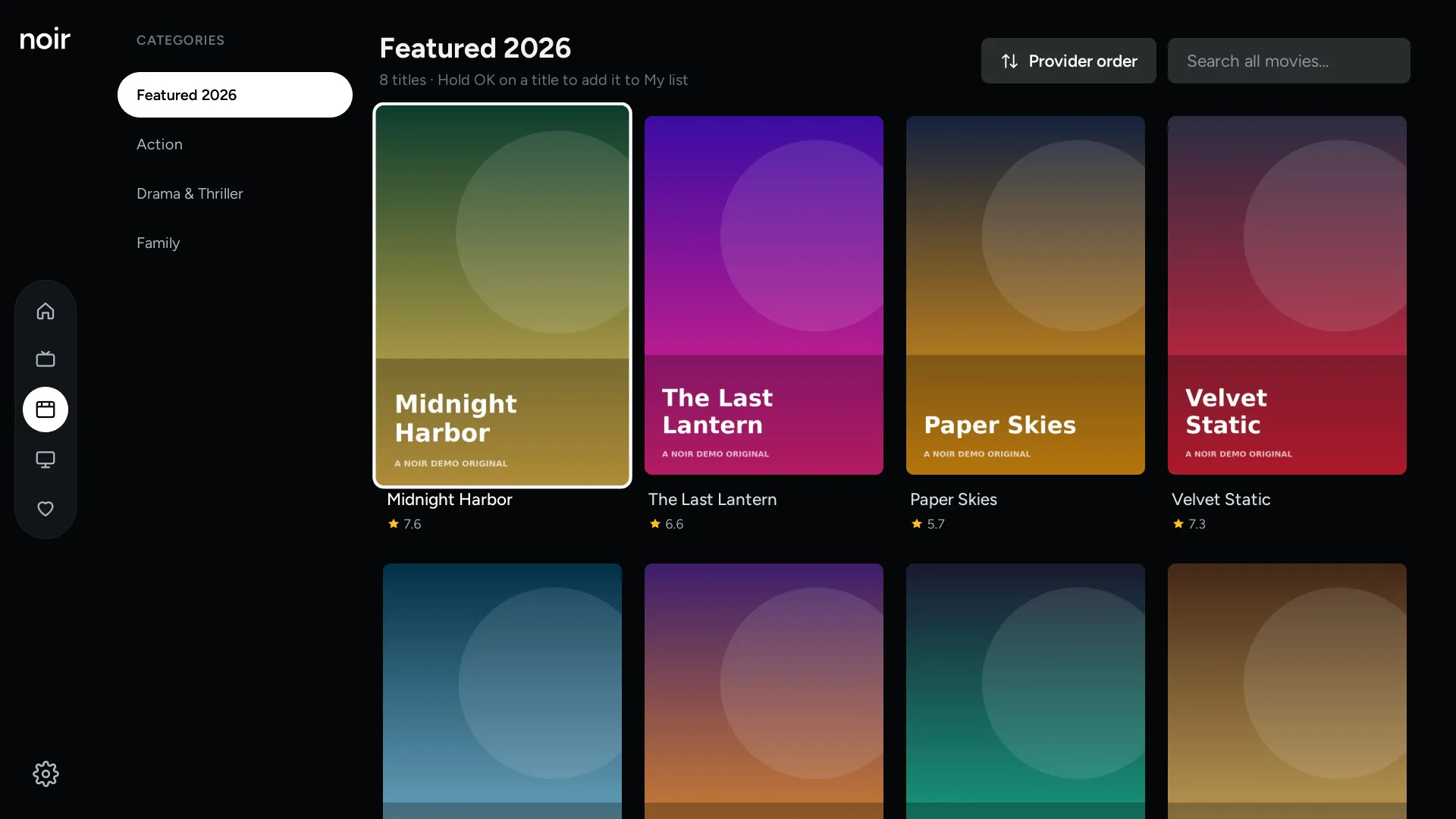
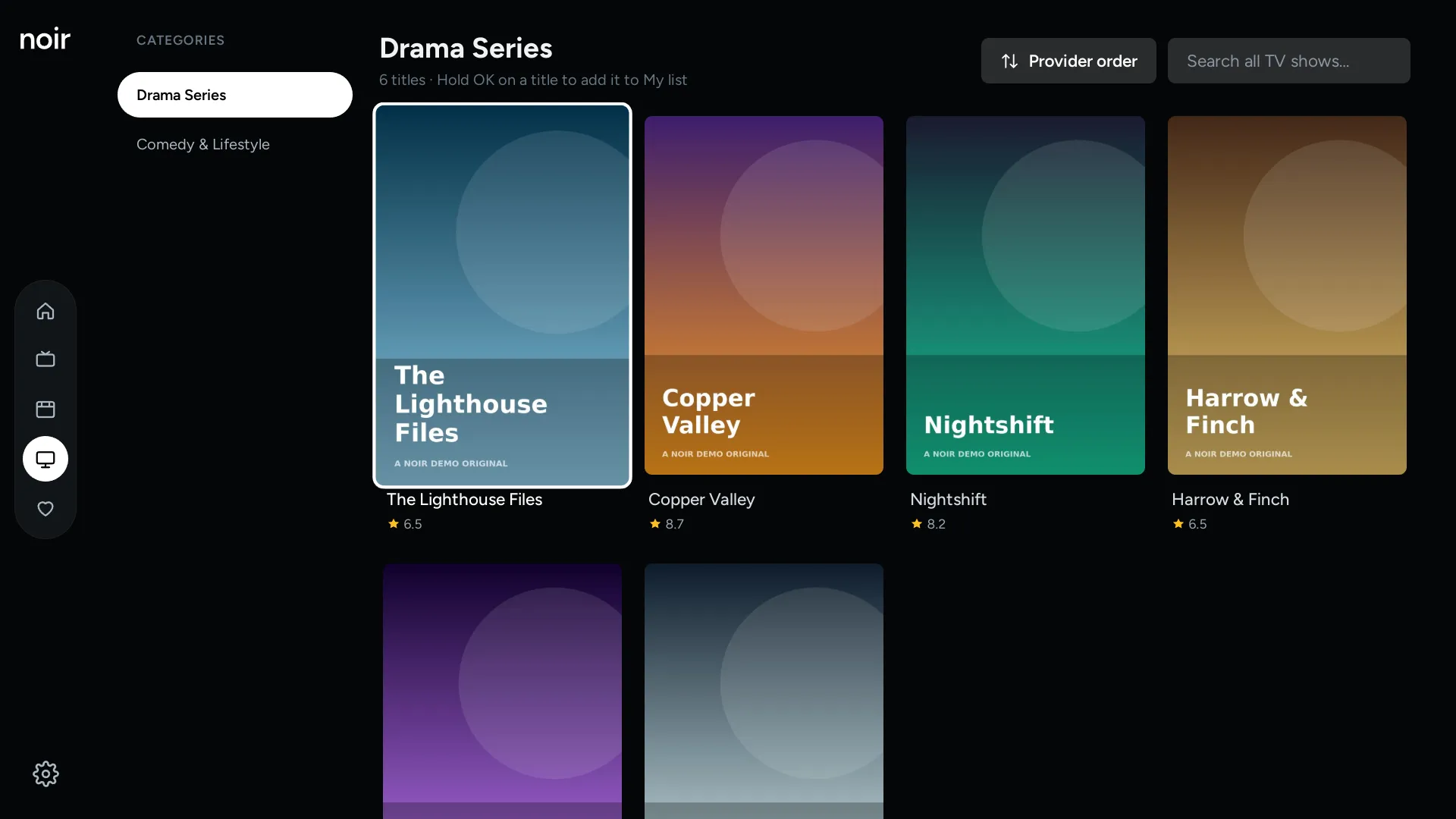
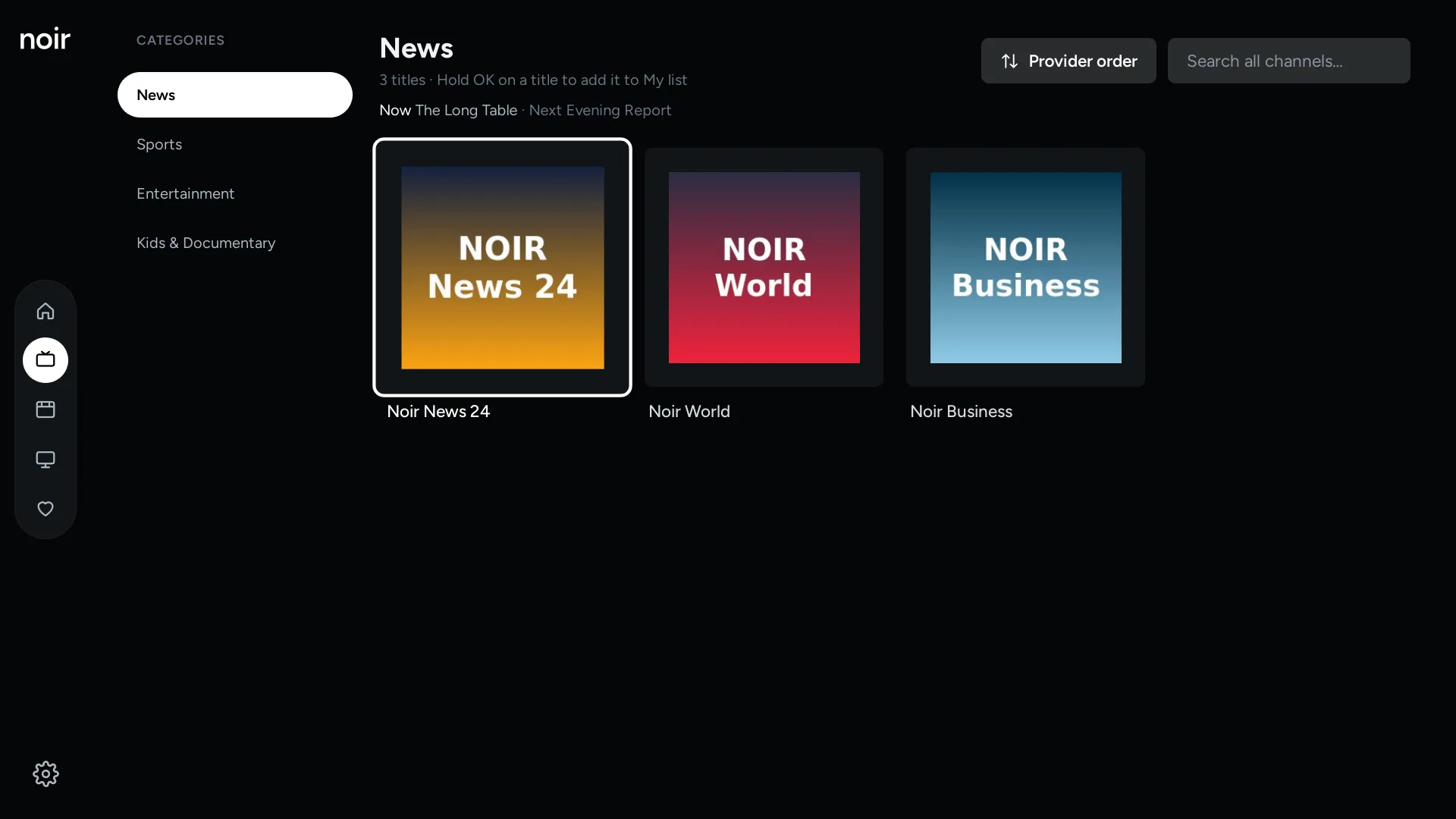
Everything works with the arrow buttons and OK. Pointing with the Magic Remote works too.
Noir remembers your lists, so even very large ones open and scroll smoothly.
New titles rotate on Home, and pause while you move through the menu.
Everything you reach for while watching, one press away.
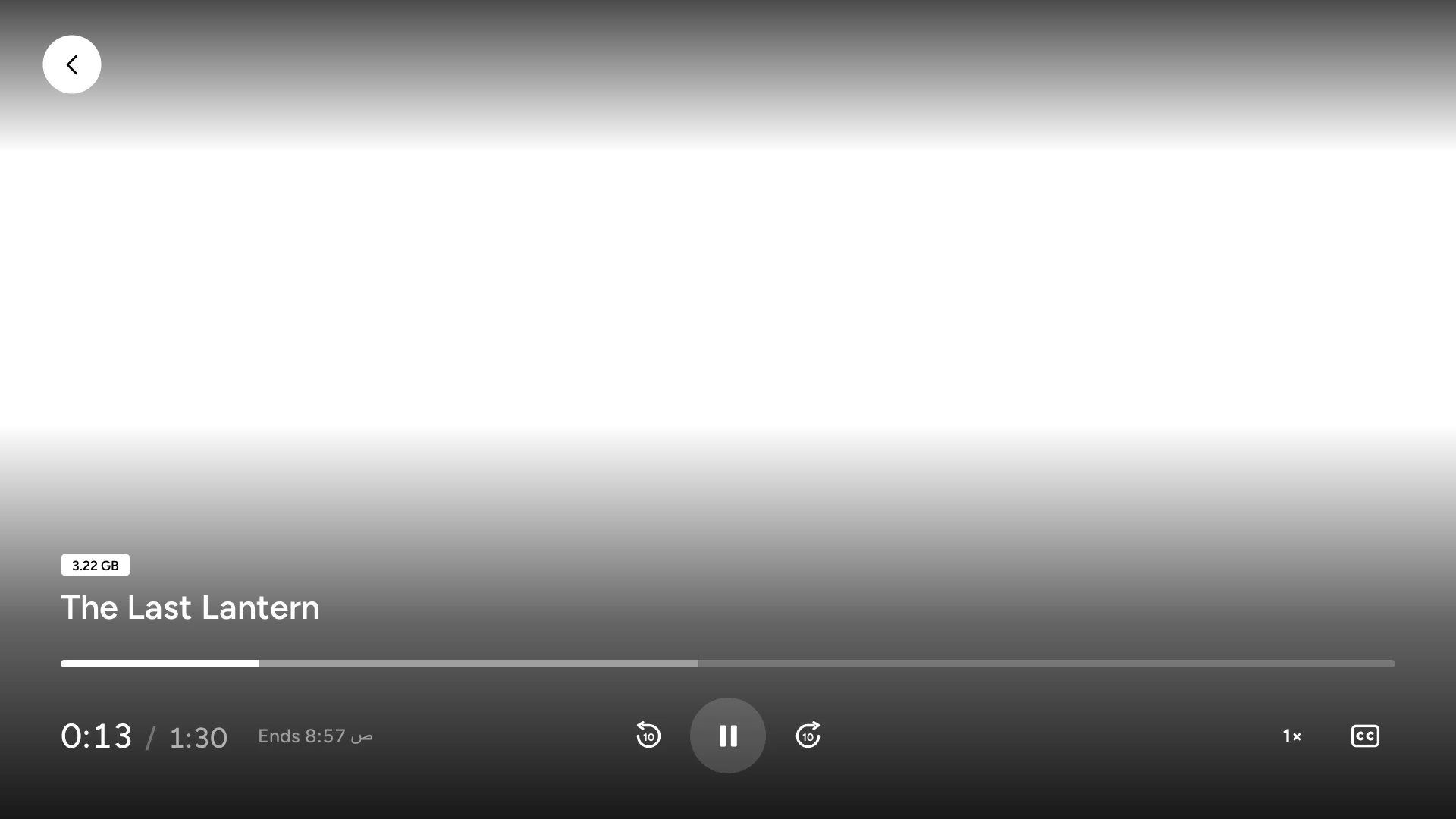
Hold the button to skip forward. The longer you hold, the faster it goes.
Watch faster or slower, and keep your favourite as the default.
Switch the clock between time watched and time left.
The finish time, in your local time.
See how big the video is, right in the player.
Small touches that make an evening of watching easier.
Progress is saved while you watch, with minutes left on every card.
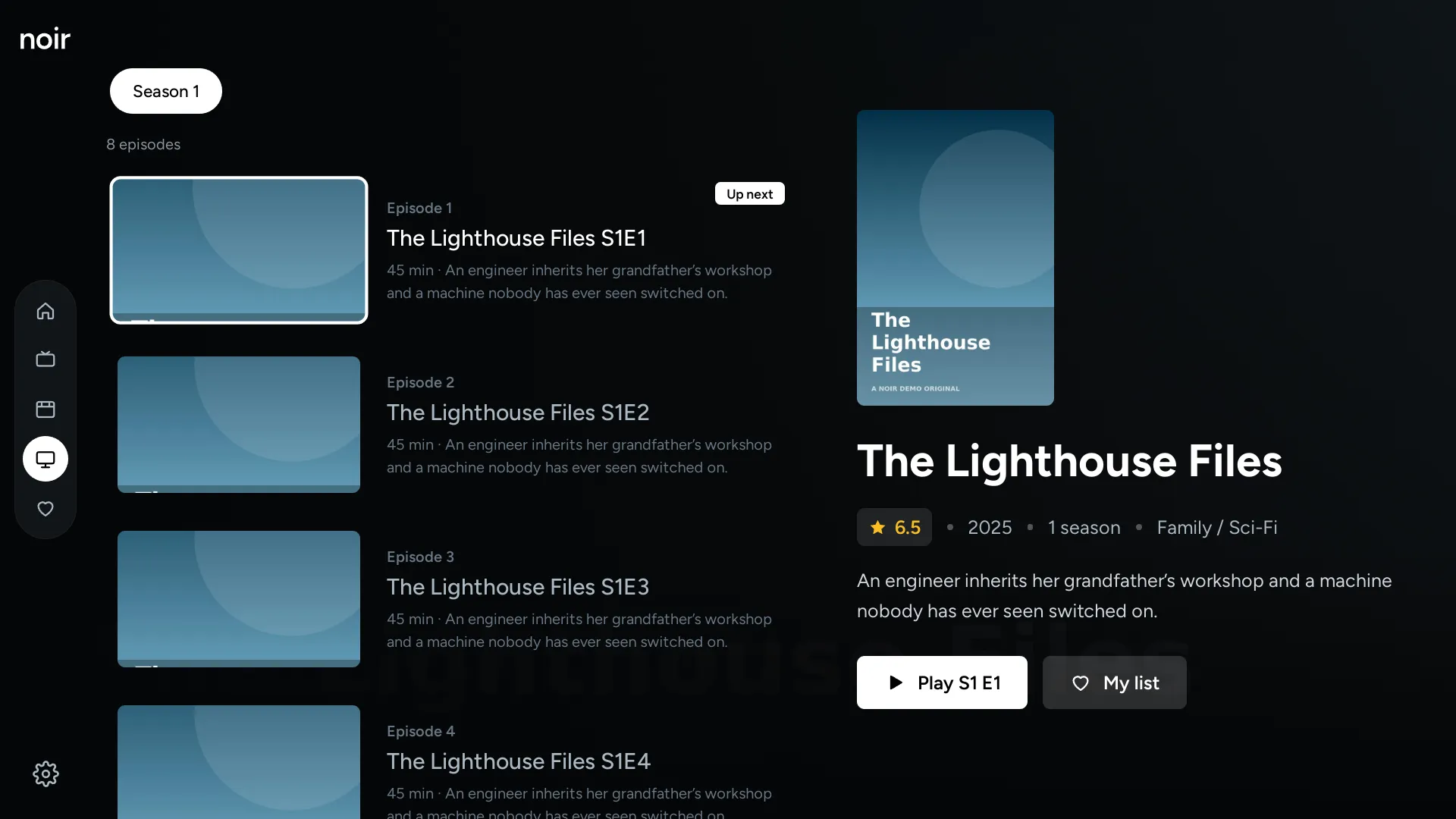
Autoplay starts the next episode, and an Up next card shows what’s coming.
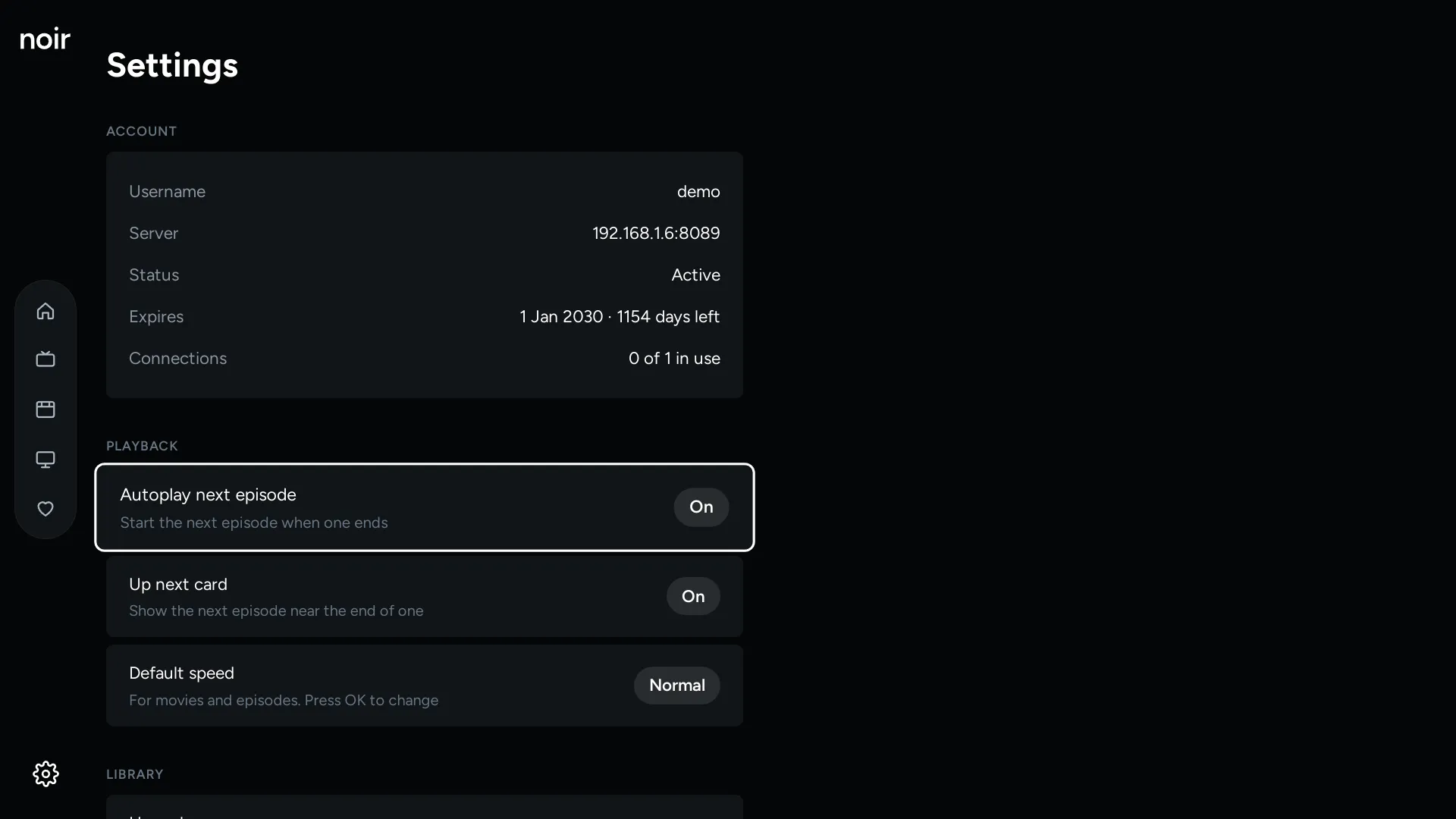
Choose what’s on your Home screen, how lists are sorted, your playback speed and more.
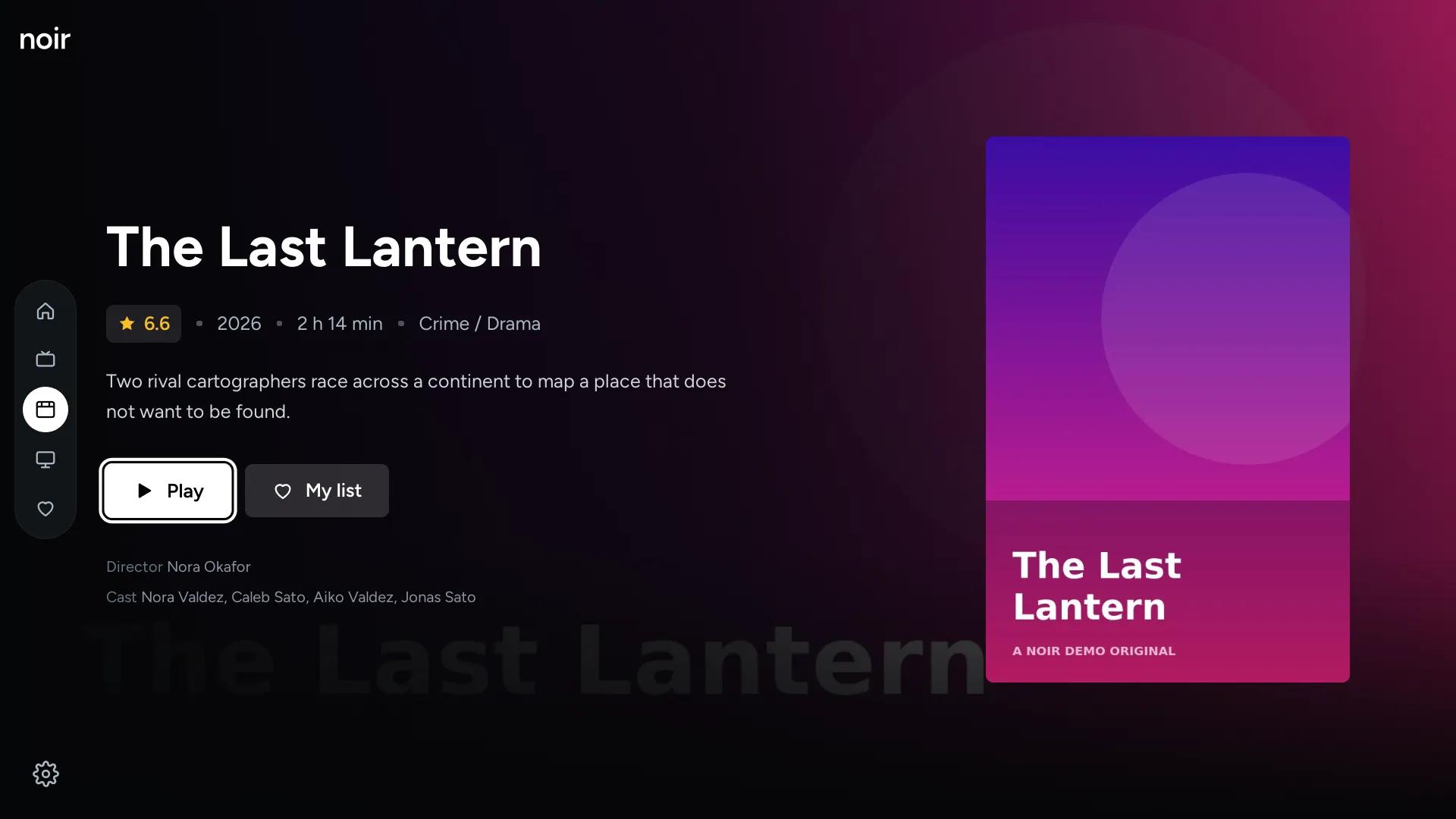
Hold OK on any title to add it to My list.
Search and sort every list, across Live TV, movies and shows.
When a video has more than one audio track, switch between them as you watch.
All you need is an LG smart TV and the login from your TV subscription.
From the app store on your LG TV, once it’s available.
Type in the login details your provider gave you.
Your channels, movies and shows are ready to watch.
No. Noir is the app you watch with. The channels and movies come from your own TV subscription, which you sign in to.
One that gives you an Xtream Codes login: a server address, a username and a password. Your provider can tell you if you’re not sure.
LG smart TVs running webOS [SUPPORTED VERSIONS].
[PRICE]
Your sign-in details are stored on your TV and used only to connect to the server you enter. There’s no Noir account and no Noir server. Signing out clears everything.
Noir plays the common streaming and video formats (HLS, MP4 and MKV). Subtitles built into MKV files may not show, depending on the TV.
Yes. You can point and click, and scroll with the wheel. The regular arrow buttons work everywhere too.
Noir doesn’t come with channels or movies. You watch with the TV subscription you already have.